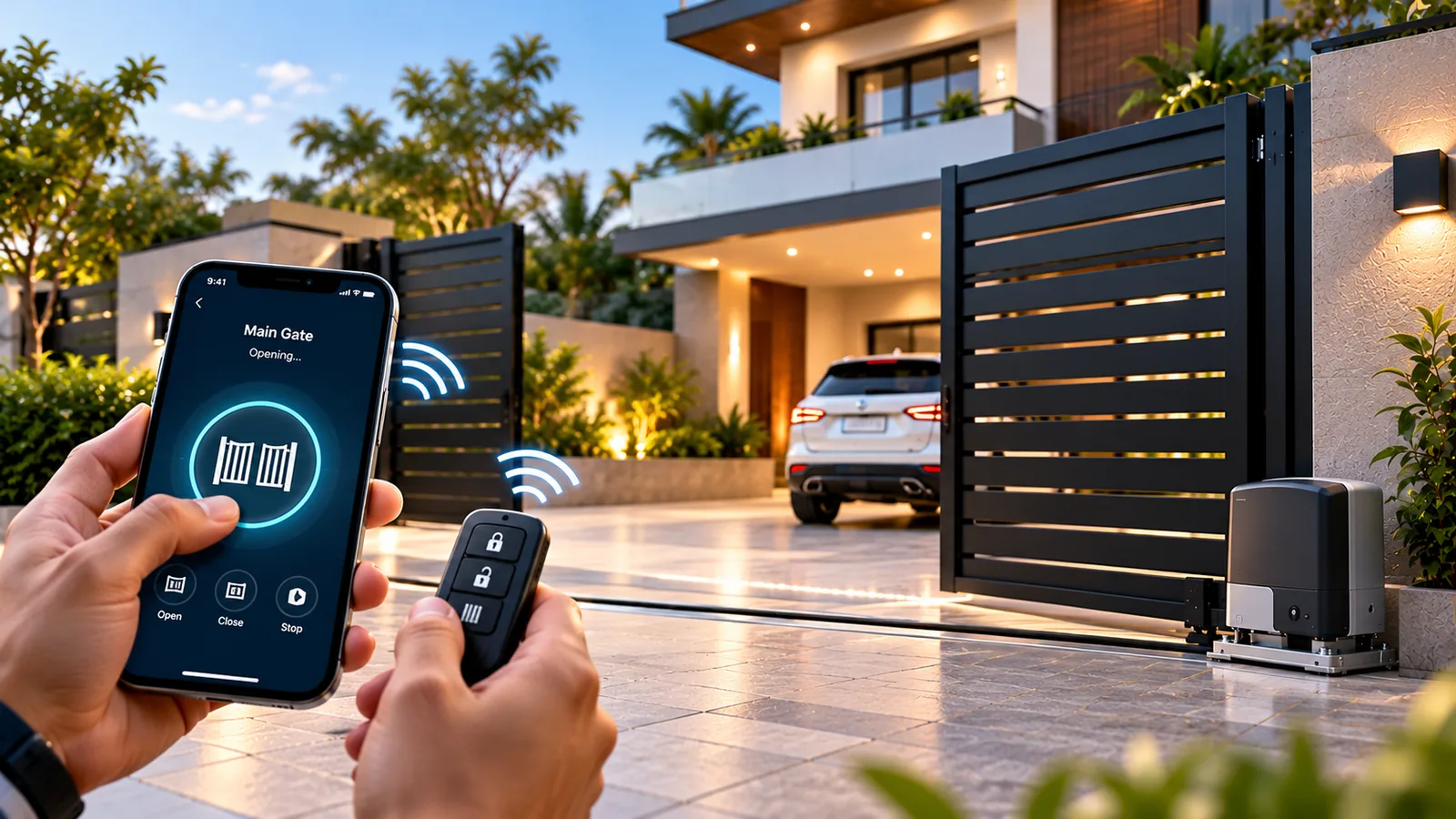
Gate automation with mobile app control lets you open, close and check your gate from your smartphone — from the car, from inside the house, or from another city. It works by adding a small Wi-Fi or GSM controller to the gate’s control board, which then accepts commands from an app alongside your existing remotes. Here is how the pieces fit together and what to expect day to day.
How smartphone gate control works
Every automatic gate has a control board that receives signals and drives the motor. Remotes send a radio signal to a receiver on that board. App control adds another input: a smart module wired to the board’s ‘open’ or ‘step’ terminals. When you tap the app, the command travels through the internet (or the mobile network) to the module, which triggers the board just as a remote button would.
Because the module only sends a trigger, the gate’s own safety systems — photocells, obstacle detection, limit switches — still control the movement. The app does not bypass them.
Connection options: Wi-Fi, GSM and Bluetooth
Wi-Fi modules
The most common option. The module joins your home Wi-Fi and connects to a cloud app, often on platforms such as Tuya or a motor brand’s own app. It needs a strong Wi-Fi signal at the gate, which can be a challenge when the router is deep inside the house.
GSM modules
A GSM controller uses a SIM card. Authorised numbers can open the gate with a missed call or an app, independent of home Wi-Fi. This suits farmhouses, warehouses and sites without broadband, though it depends on mobile coverage at the gate.
Bluetooth
Bluetooth control works only within short range but needs no internet. It is useful as a backup or for pedestrian gates.
| Remote control | Mobile app control | |
|---|---|---|
| Range | Line of sight, tens of metres | Anywhere with internet or mobile signal |
| Status check | No | Many apps show open or closed |
| Sharing access | Hand over a physical remote | Add or remove users in the app |
| Works without internet | Yes | Only with Bluetooth or local mode |
| Activity log | No | Often available |
What gate automation with a mobile app lets you do
- Open the gate as you approach, without searching for a remote.
- Let in a delivery, a relative or a plumber while you are at work.
- Give household staff or drivers access that you can revoke at any time.
- Check whether the gate was left open, if the module supports a position sensor.
- Set schedules, such as closing the gate automatically at night.
- Link the gate to voice assistants like Alexa or to a smart home routine.
Remotes, RFID and keypads still matter
An app adds convenience, but it should not be your only way in. Keep remotes for daily driving, and consider UHF RFID tags on the windscreen for apartments and offices where many vehicles enter — the gate opens as the car approaches without anyone pressing a button. A keypad at the pedestrian side helps visitors and staff who do not use the app. Your video door phone can also be wired to trigger the gate.
Reliability, power cuts and security
- 1Check Wi-Fi strength at the gate; add a mesh node or outdoor access point if needed.
- 2Put the router and the gate module on the inverter so app control survives power cuts.
- 3Use a strong Wi-Fi password and keep the app account protected with a secure password.
- 4Review the user list regularly and remove anyone who no longer needs access.
- 5Keep remotes and the manual release as backups for internet outages.
Opening a gate when you cannot see it carries some risk. Where possible, pair app control with a CCTV camera or video door phone covering the entrance so you can check the area is clear before you tap open.
Setting up app-controlled gates with Sensor
Most existing automatic gates can be upgraded for gate automation with mobile app control. Sensor Home Automation’s free consultation checks your control board, Wi-Fi coverage at the gate and power backup, then recommends a Wi-Fi, GSM or RFID setup that suits how your family or business uses the entrance. Our own team installs and tests everything, sets up the app and users, and provides ongoing support afterwards, across Chennai, Salem and Tamil Nadu.
Frequently asked questions
Can I add mobile app control to my existing automatic gate?
In most cases, yes. A smart module is wired to the existing control board’s trigger input. A technician will confirm compatibility and check Wi-Fi or mobile signal at the gate.
Does gate automation with a mobile app work during a power cut?
It works if the gate motor, the module and your router all have backup power. Many homes connect them to the inverter; remotes and the manual release remain as backups.
Is app-controlled gate automation secure?
Reputable apps use encrypted connections. Keep your Wi-Fi and app passwords strong, share access only with trusted people, and remove users who no longer need it.
Can I open my gate with Alexa?
Yes, if your gate module supports Alexa integration. For safety, many people allow voice commands to close the gate but use the app, with a camera view, to open it.
Related service: Gate & Access Automation — see how Sensor plans, installs and supports it across Chennai, Salem and Tamil Nadu.