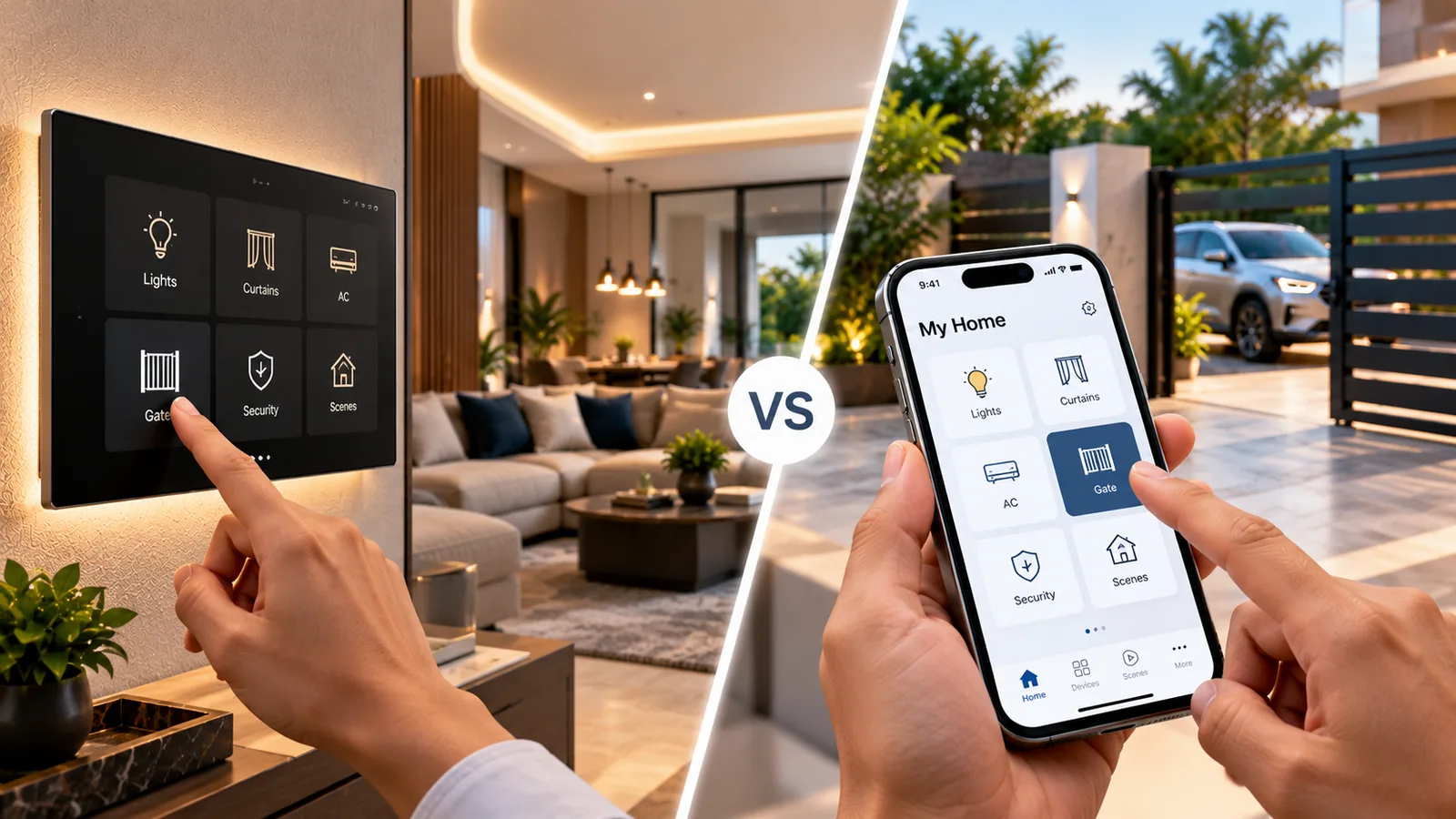
For everyday home control, touch panel home automation usually wins, while mobile apps are best for remote access, schedules and settings. Most well-planned homes use both: touch panels on the wall for the things you do every day, and an app in your pocket for everything else. This guide compares the two honestly so you can decide where each belongs in your home.
What touch panel home automation means
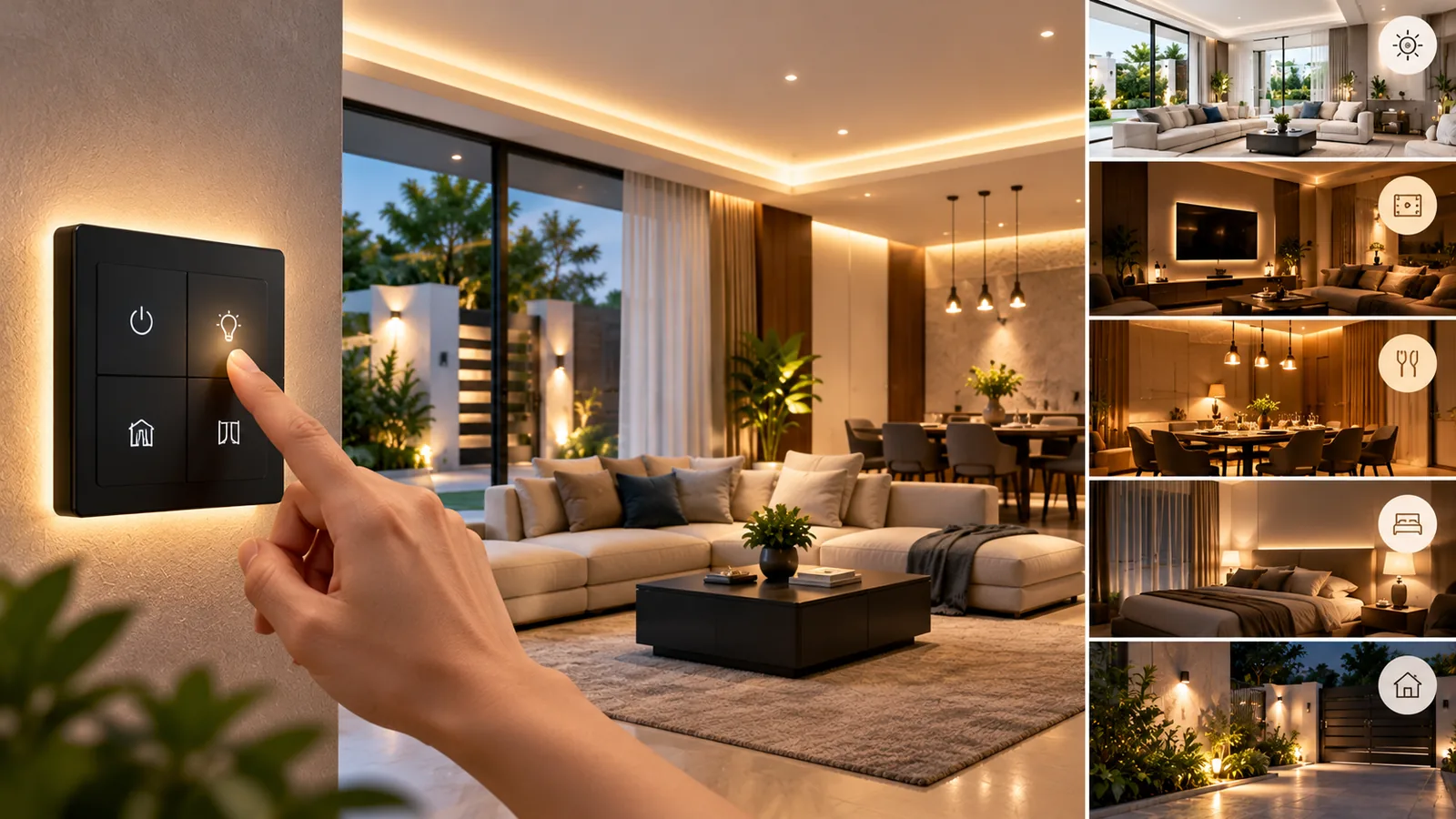
Smart touch panels replace conventional modular switchboards. They are usually tempered-glass panels with capacitive touch buttons, backlit icons and a smart module behind the plate. Each button can control a light, a fan with speed steps, a curtain, or trigger a whole scene. Many panels connect to Wi-Fi or Zigbee, so the same lights also appear in an app and work with Alexa.
What mobile apps do well
- Control from anywhere: switch off a geyser or light you left on, from the office.
- Create and edit scenes, schedules and automations.
- Check the status of devices, gate and cameras in one place.
- Share access with family members and manage users.
- Combine devices from different rooms into whole-home routines.
The weakness is daily friction. Unlocking a phone, opening an app and finding the right room takes far longer than pressing a switch, and it does not work for guests, domestic staff or children without a phone.
Touch panels vs apps: head to head
| Touch panel | Mobile app | |
|---|---|---|
| Speed for daily use | Instant, one touch | Slower — unlock, open, find |
| Guests and staff | Anyone can use it | Needs a phone and access |
| Elderly family members | Familiar, like a switch | Can be confusing |
| Remote control | No | Yes |
| Scenes and schedules | Trigger scenes | Create and edit everything |
| Without internet | Works locally | Limited or none outside home network |
| Interior look | Premium, replaces switchboards | No visual impact |
Where touch panels make the most sense
Put touch panels where you already reach for a switch. Typical positions are the main entrance (with ‘All off’ and ‘Welcome’ scenes), the living room, bedroom entry and bedside, the dining area and the home theatre. A bedside panel with ‘Good night’ that switches off every light in the house is often the feature families use most.
What to check when choosing touch panels
- 1Size compatibility with your existing switchbox (common Indian modular sizes).
- 2Neutral wire availability behind the switch; many smart panels need one.
- 3Fan control with proper speed steps, not just on/off.
- 4Protocol: Wi-Fi for simplicity, Zigbee for larger homes with many devices.
- 5Local operation, so buttons work even when the internet is down.
- 6Behaviour after a power cut: devices should restore to a safe state.
- 7Glass finish and colour that suit your interiors.
Where voice control fits
Voice assistants like Alexa sit between the two. They are hands-free and quick for simple requests (‘turn off the hall lights’), but less reliable in noisy rooms and not ideal for guests. Think of voice as a convenient extra, not a replacement for wall controls.
Which suits your household?
Families with elderly parents
Touch panels feel like ordinary switches, so parents who are not comfortable with smartphone apps can use them from day one. Large, clearly labelled buttons and a bedside ‘All off’ are especially helpful.
Working couples who travel
The app becomes more important: checking that lights, geysers and the gate are off, letting in a delivery, or running an away-mode schedule while you are out of town.
Homes with domestic staff or frequent guests
Touch panels let staff and guests use lights and fans normally without needing an app account, while owners keep control of schedules, the gate and settings through the app.
The best approach: use both
The homes that are happiest with automation usually follow a simple rule: everything you do daily should be possible from the wall, and everything else lives in the app. Panels handle lights, fans, curtains and scenes at the point of use; the app handles remote access, schedules, gate control and settings. This keeps the home easy for everyone while giving the owners full control.
Touch panels are connected to mains wiring, so installation and any later changes should be done by a qualified technician rather than as a DIY task.
Touch panel home automation with Sensor
Sensor Home Automation plans touch panel home automation room by room, deciding which buttons and scenes belong on the wall and what stays in the app. Our free consultation includes a check of switchboxes and wiring. Our own team installs and programs the panels, links them to the app and Alexa, trains your family and provides ongoing support across Chennai, Salem and Tamil Nadu.
Frequently asked questions
Can touch panels replace my existing switchboards?
Yes, in most homes. Smart touch panels are made in common modular sizes and fit existing switchboxes. A technician checks wiring, including the neutral wire, during the site visit.
Do touch panels work if the internet is down?
Most quality panels work locally, so the buttons still control lights and fans. Remote app access and voice control need internet.
Is touch panel home automation suitable for apartments?
Yes. Touch panels fit apartment switchboxes and do not need structural changes, making them a popular choice for flats as well as villas.
Should I choose touch panels or a mobile app?
Ideally both. Panels are better for quick daily use by everyone in the house, while the app is better for remote control, schedules and settings.
Related service: Home Automation — see how Sensor plans, installs and supports it across Chennai, Salem and Tamil Nadu.