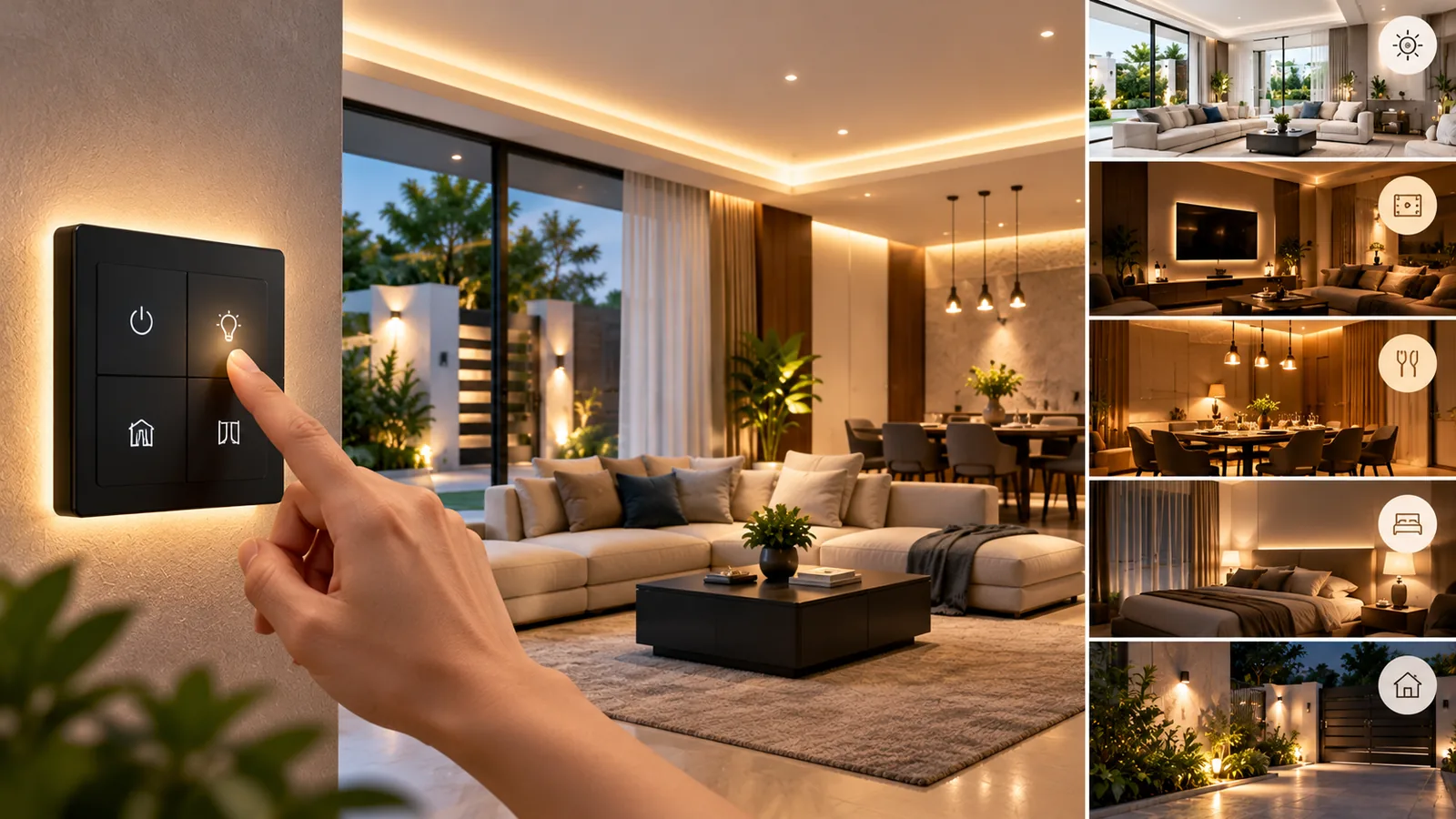
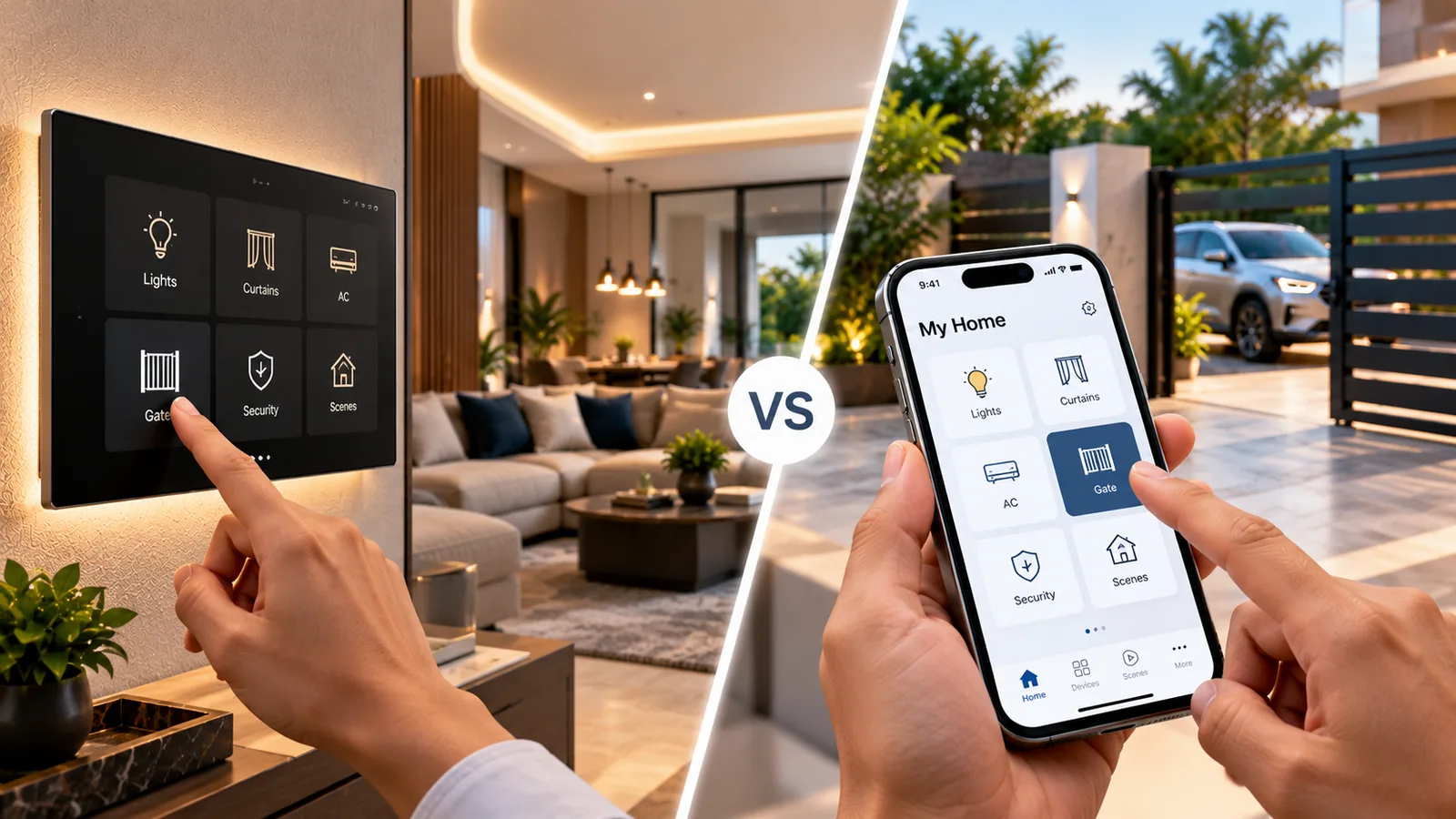
Retrofit home automation upgrades an existing home with smart lighting, fans, curtains, AC control, locks and security without breaking walls or redoing the electrical wiring. It works by fitting smart modules behind existing switches, replacing switch plates with smart touch panels, and adding wireless devices. For lived-in apartments and independent houses in Tamil Nadu, it is the most practical route to a smart home.
How retrofit home automation works
Your existing wiring already runs from the distribution board to each switchboard and then to lights and fans. Retrofit automation puts the intelligence at the switchboard instead of running new cables. A smart touch panel or an in-wall relay module takes the place of, or sits behind, your existing switch, controlling the same circuit. Wireless protocols such as Wi-Fi or Zigbee link everything to a hub or app.
What can be upgraded without rewiring
- Lights and fans: smart touch panels or modules behind existing switches.
- Air conditioners: smart AC controllers or IR blasters, no wiring changes.
- Curtains and blinds: battery-powered motors and tracks need no new power point.
- Door locks: digital locks with fingerprint, PIN, RFID or app access replace existing locks.
- Video door phones: wireless or two-wire models use minimal cabling.
- Security: wireless alarm systems such as Ajax and Wi-Fi cameras.
- Geysers and appliances: suitable smart switches for heavy loads.
- Gates: existing gates can usually be automated and given app control.
Retrofit options compared
| Smart touch panels | In-wall modules | |
|---|---|---|
| Look | New glass panels replace switches | Keeps your existing switches |
| Interior change | Visible upgrade | Invisible |
| Scene buttons | Built in | Through app or extra switch |
| Space needed | Fits common modular switchboxes | Needs room in the box |
| Best for | Upgrading the look too | Preserving current interiors |
Wiring checks a technician will do
‘Without rewiring’ does not mean ‘without checking’. Before installing, a technician inspects the existing setup, because older homes in particular can have surprises.
- 1Neutral wire at the switchboard: many smart switches need one; no-neutral options exist for some loads.
- 2Switchbox depth and size, to fit modules or panels.
- 3Condition of wiring, earthing and the distribution board.
- 4Load ratings for geysers, ACs and motors, which need heavy-duty switches.
- 5Wi-Fi coverage across floors; mesh routers or Zigbee may be needed.
- 6Inverter circuits, so automation keeps working during power cuts.
If any wiring is damaged or unsafe, it should be fixed first. Do not open switchboards or distribution boards yourself — leave this to a qualified technician.
Retrofit in apartments vs independent houses
Apartments
Apartments suit retrofit home automation well: compact layouts mean good wireless coverage, and wireless devices avoid any need to disturb walls or common areas. Check association rules before changing the main door lock or adding a camera that covers a shared corridor.
Independent houses and villas
Larger homes across multiple floors need careful network planning. A Zigbee mesh, where mains-powered devices relay signals to each other, often gives better coverage than many separate Wi-Fi devices. Gate automation, outdoor lighting and perimeter security become part of the plan.
Planning retrofit automation in phases
Because retrofit work is modular, it can be spread over time without redoing anything. A sensible sequence is to choose one platform first, so every later device works with the same app, touch panels and Alexa routines.
- 1Phase one: living room and master bedroom lighting and fans, plus a bedside ‘Good night’ scene.
- 2Phase two: AC control and curtain motors in west-facing rooms that take the afternoon heat.
- 3Phase three: digital door lock and video door phone at the main entrance.
- 4Phase four: gate automation with app control, outdoor lighting schedules and security sensors.
Planning the full picture at the start, even if you install in stages, avoids mismatched devices and makes each later phase quicker.
What decides a retrofit quote
The number of rooms and switchboards, the choice between touch panels and modules, the devices to be added (curtains, AC, locks, security), any wiring repairs and network upgrades all shape the final figure. A site visit gives you an exact quote and a phased plan if you want to upgrade step by step.
Retrofit home automation with Sensor
Sensor Home Automation specialises in retrofit home automation for homes that are already lived in. Our free consultation checks your switchboards, wiring, Wi-Fi and inverter setup, and recommends a plan that avoids rewiring wherever possible. Our own team installs neatly with minimal disruption, programs scenes and voice control, trains your family and provides ongoing support across Chennai, Salem and all 38 districts of Tamil Nadu.
Frequently asked questions
Can I make my existing home smart without rewiring?
In most homes, yes. Smart touch panels, in-wall modules and wireless devices work with existing wiring. A technician checks for a neutral wire and the condition of the wiring first.
Is retrofit home automation messy to install?
It is usually clean because walls are not broken. Work happens mainly at switchboards and windows, and most rooms can be done with little disruption.
Can retrofit automation be done in a rented apartment?
Wireless devices, smart plugs and battery curtain motors are easy to remove. Replacing switchboards or locks should be discussed with the owner first.
Will retrofit home automation work with Alexa?
Yes. Most retrofit touch panels, modules and devices connect to Alexa through their app or hub, so you can control them by voice and in routines.
Related service: Home Automation — see how Sensor plans, installs and supports it across Chennai, Salem and Tamil Nadu.