When an automatic gate is not working, the cause is often simple: a power cut, a flat remote battery, or something blocking the photocell beam. You can safely check these yourself in a few minutes. Anything beyond that — inside the motor, the control box or the wiring — is a job for a trained technician.
This guide lists the safe, user-level checks in the order that solves most problems, explains what common symptoms usually mean, and tells you when to stop and call for help.
Check 1: Is There Power?
Power cuts are the most common reason a gate stops responding, especially in summer and during storms. If your gate has a battery backup, a long outage can drain it.
- Is there power in the rest of the house? If not, wait for supply or use the manual release.
- Has the breaker or switch labelled for the gate tripped at the distribution board? You may reset a tripped breaker once. If it trips again, leave it off and call a technician.
- If the gate runs on your inverter, check the inverter is on and charged.
- Is a status light on the keypad or receiver lit, if your system has one?
Check 2: Remote and Access Devices
If the gate works from a wall button or keypad but not from one remote, the remote is the issue. If no remote works, the problem is more likely power or the receiver.
- 1Try a second remote or the wall switch.
- 2Replace the remote battery with the correct type; reduced range is the usual early sign.
- 3Stand closer to the gate and in clear line of sight.
- 4For RFID tags or app control, check whether other tags or the app work; app control also needs the home Wi-Fi and internet to be running.
Check 3: Photocells and Obstructions
Photocells are the pair of small sensors on either side of the opening. If their beam is blocked or the lenses are dirty or knocked out of line, many gates refuse to close or reverse immediately — this is a safety feature doing its job.
- Remove anything in the gate opening: a parked scooter, bins, plant pots, a fallen branch.
- Wipe both photocell lenses with a soft dry cloth.
- Look for spider webs, insects, overgrown plants or rain droplets on the lenses.
- Check that neither photocell has been bumped by a vehicle; do not unscrew or realign them yourself.
Check 4: The gate path
Look along the sliding track or swing arc for stones, sand, leaves or debris washed in by rain. Even a small stone can make obstacle detection stop the gate. Clear what you can by hand with the gate stopped.
Using the Manual Release Safely
Every automatic gate should have a manual release, which disconnects the motor so the gate can be moved by hand. Use it exactly as your installer demonstrated at handover. Switch off the gate supply first if you have been shown how, keep the gate under control as you move it, and lock it in place once it is open or closed. Re-engage the release only as shown, so the gate is ready when power and the motor are back.
Common Symptoms and What They Usually Mean
| What you can check | When to call a technician | |
|---|---|---|
| Nothing happens at all | House power, gate breaker once, inverter, other remotes | Power is fine but the gate is dead, or the breaker trips again |
| Opens but won’t close | Photocell beam and lenses, objects in the opening | Lenses are clean and clear but it still won’t close |
| Stops and reverses midway | Debris in the track or path | Path is clear; force or alignment may need adjusting |
| Motor hums but gate won’t move | Stop using it; use manual release | Always — possible gear, rack or capacitor issue |
| One remote fails | Replace battery, try another remote | New battery and still no range, or all remotes fail |
| Grinding, burning smell, sparks | Switch off if safe and keep clear | Immediately |
When an Automatic Gate Not Working Needs a Technician
Call for service if the simple checks above do not solve the problem, if the breaker trips more than once, if there is water inside covers after rain, or if the gate moves in a way that seems unsafe. Note what you saw — the symptom, any lights or beeps, recent weather or power events — as this helps the technician diagnose it quickly.
How Sensor Can Help
Sensor Home Automation installs and supports gate automation for homes, apartments and businesses across Tamil Nadu, with our own technicians from Chennai and Salem. If your automatic gate is not working after these checks, call +91 95975 75785 or +91 95975 75712 (Monday to Saturday, 9 AM to 7 PM) or email support@sensorhomeautomation.in, and we will arrange a visit.
Frequently asked questions
Why is my automatic gate not working after a power cut?
The battery backup may be drained, the breaker may have tripped, or the control board may need a moment after power returns. Check house power and the breaker once; if the gate still does not respond, use the manual release and call a technician.
Why will my gate open but not close?
This is usually the photocells. Something in the opening, dirty lenses or a photocell knocked out of line makes the system think the path is blocked. Clear and wipe them; if it persists, a technician should realign them.
Is it safe to open the gate motor cover to check it?
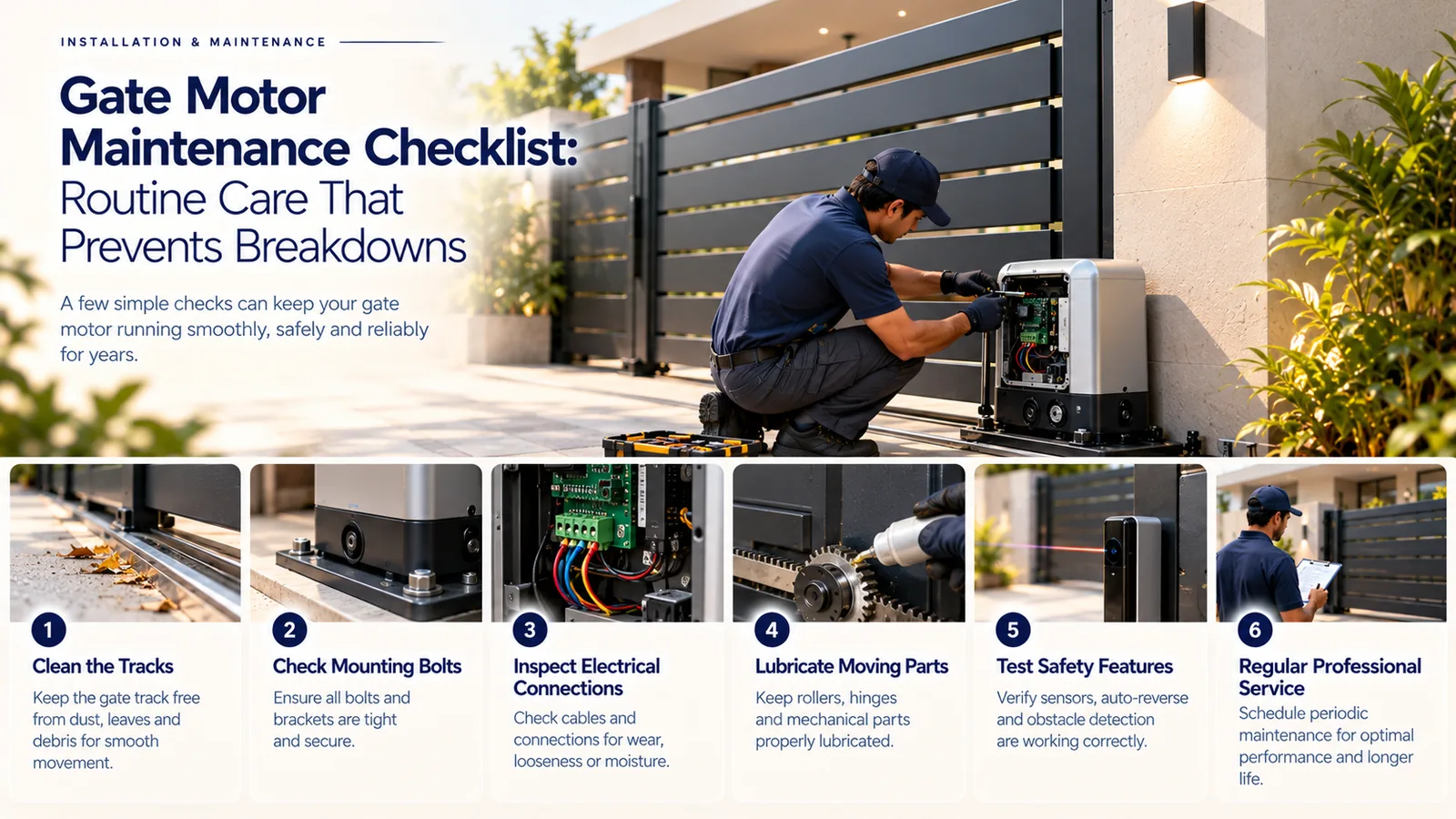
No. The motor and control box contain mains wiring and safety settings. Limit yourself to checking power, remotes, photocells and the path, and leave internal checks to a trained technician.
How do I open my automatic gate manually?
Use the manual release key or lever exactly as shown at handover, which disengages the motor so you can move the gate by hand. If you were never shown, ask your installer to demonstrate it rather than experimenting.
Related service: Support — see how Sensor plans, installs and supports it across Chennai, Salem and Tamil Nadu.